

What Luma Image to Image is good at
- Prompt-driven image editing: Modifies existing images based on text prompts while preserving certain features and structures from the original
- Changing objects and shapes: The node works well for changing objects and shapes, though it may not be ideal for color changes
- Adjustable input influence: The
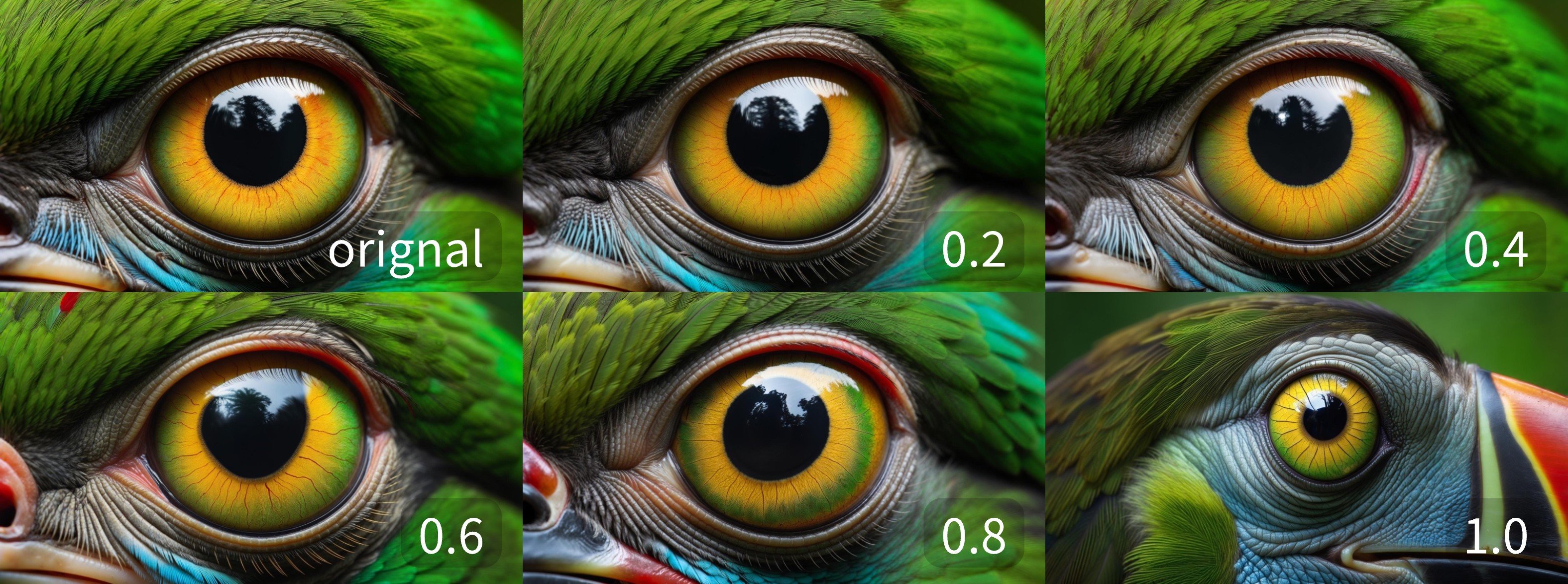
image_weightparameter controls how strongly the input image shapes the result, with lower values staying closer to the original
Example outputs
Results at differentimage_weight values, showing how strongly the input image influences the generated output:
Use it in ComfyUI
Luma Image to Image workflow
Run the image-to-image workflow in ComfyUI, locally or on Comfy Cloud