> ## Documentation Index
> Fetch the complete documentation index at: https://dripart-docs-router-model-page-pilot.mintlify.site/llms.txt
> Use this file to discover all available pages before exploring further.
# OpenAI DALL·E 3 Node
> Learn how to use the OpenAI DALL·E 3 Partner node to generate images in ComfyUI
OpenAI DALL·E 3 is part of the ComfyUI Partner Nodes series, allowing users to generate images through OpenAI's **DALL·E 3** model. This node supports text-to-image generation functionality.
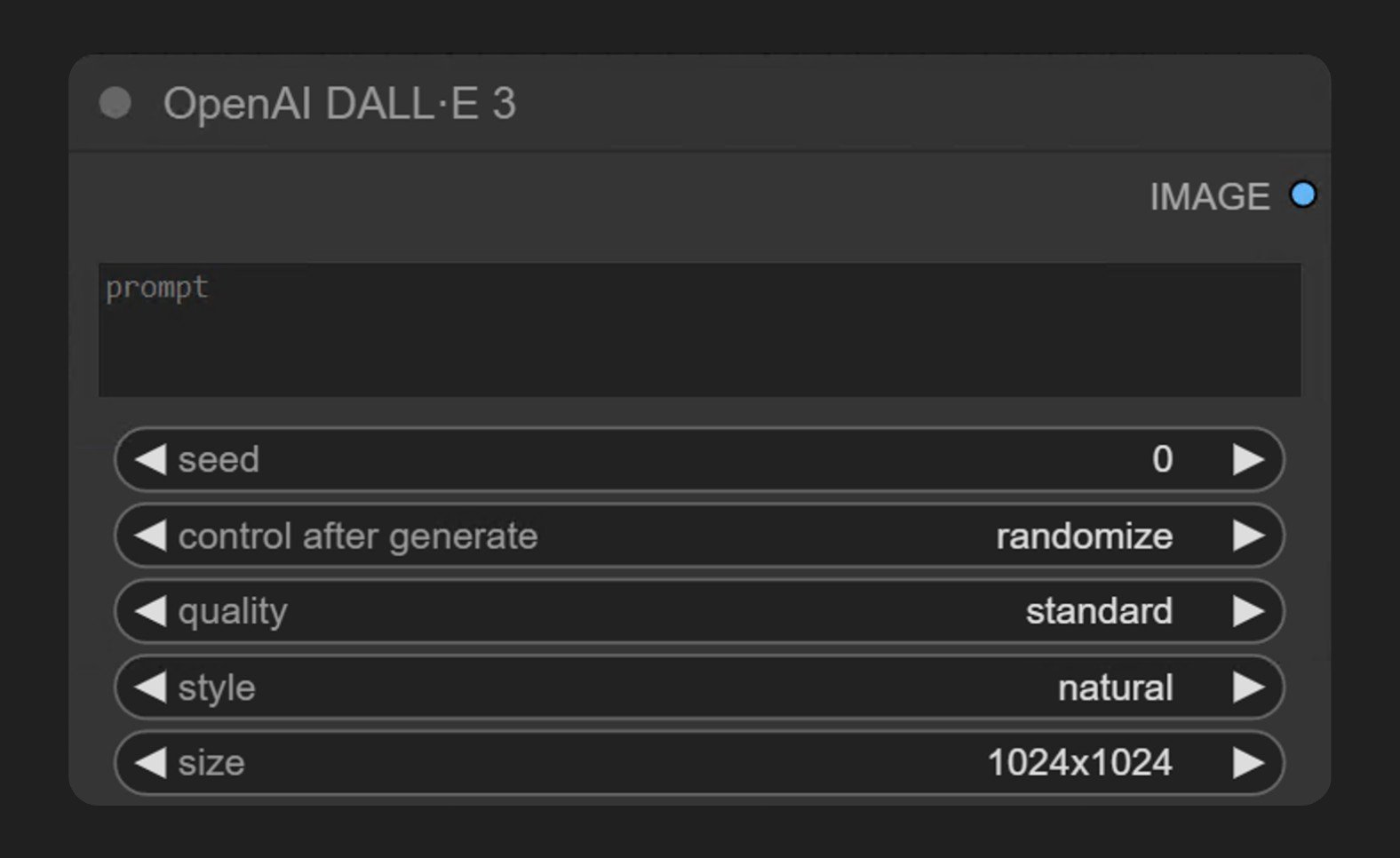 DALL·E 3 is OpenAI's latest image generation model, capable of creating detailed and high-quality images based on text prompts. Through this node in ComfyUI, you can directly access DALL·E 3's generation capabilities without leaving the ComfyUI interface.
The **OpenAI DALL·E 3** node generates images synchronously through OpenAI's image generation API. It receives text prompts and returns images that match the description.
## What DALL·E 3 is good at
* **Text-to-image generation**: creates detailed and high-quality images from text prompts, with support for multi-line prompts that describe the image content in detail
* **Quality control**: choose between standard and hd output, with hd generating higher quality images
* **Style control**: choose vivid for hyperrealistic and dramatic images, or natural for more natural, less exaggerated images
* **Flexible sizes**: generate square or rectangular images in different orientations (1024x1024, 1024x1792, 1792x1024)
## Example outputs
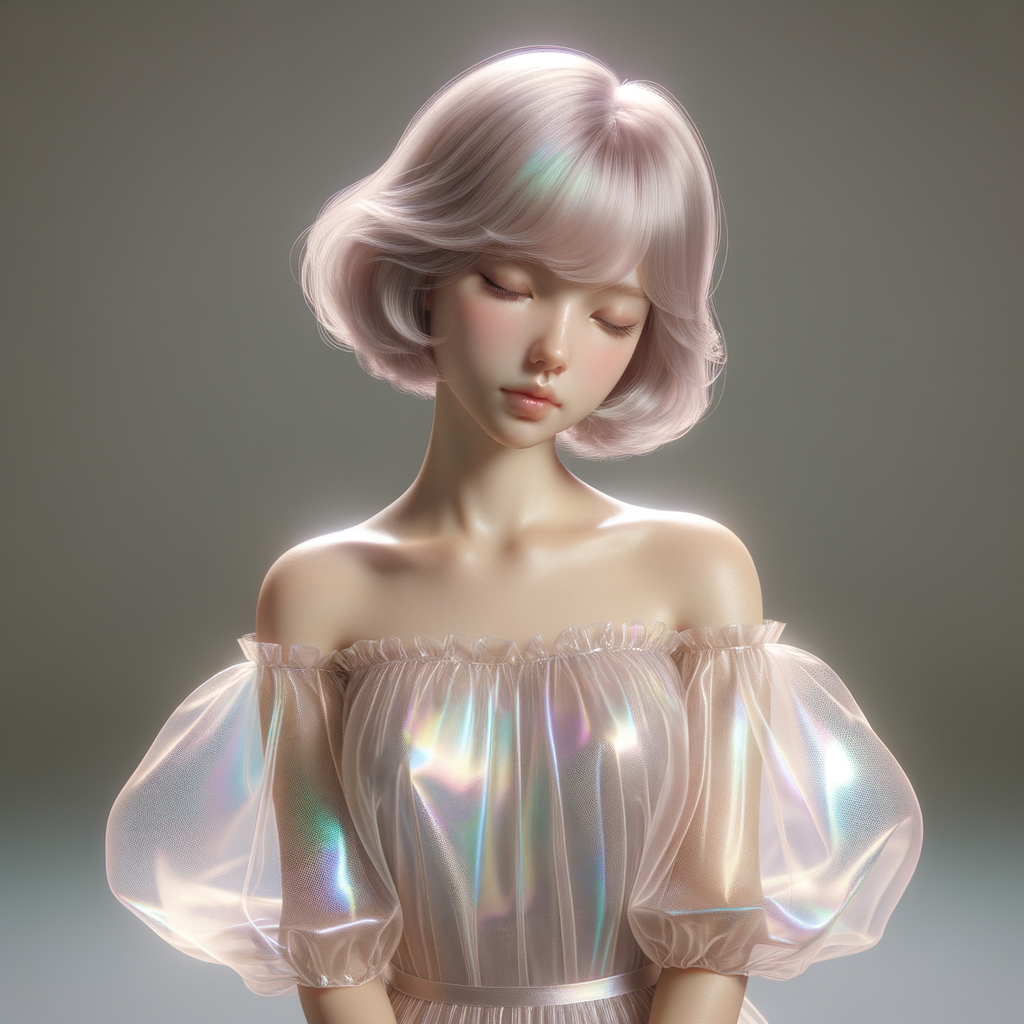
Text-to-image generation from a single text prompt:
## Use it in ComfyUI
Run the text-to-image workflow in ComfyUI, locally or on Comfy Cloud
DALL·E 3 is OpenAI's latest image generation model, capable of creating detailed and high-quality images based on text prompts. Through this node in ComfyUI, you can directly access DALL·E 3's generation capabilities without leaving the ComfyUI interface.
The **OpenAI DALL·E 3** node generates images synchronously through OpenAI's image generation API. It receives text prompts and returns images that match the description.
## What DALL·E 3 is good at
* **Text-to-image generation**: creates detailed and high-quality images from text prompts, with support for multi-line prompts that describe the image content in detail
* **Quality control**: choose between standard and hd output, with hd generating higher quality images
* **Style control**: choose vivid for hyperrealistic and dramatic images, or natural for more natural, less exaggerated images
* **Flexible sizes**: generate square or rectangular images in different orientations (1024x1024, 1024x1792, 1792x1024)
## Example outputs
Text-to-image generation from a single text prompt:

## Use it in ComfyUI
Run the text-to-image workflow in ComfyUI, locally or on Comfy Cloud